This post starts with the basics of deploying a small Azure web service by hand. Manual deployment is not the end goal, but it is a good way to understand the resources, runtime settings, and security controls before automating the same pattern.
2026 context: Azure App Service remains a good fit for many small web apps and APIs, but I would not treat the manual VS Code deploy below as a production pattern. For anything durable, use source control, GitHub Actions/Azure DevOps, managed identity, Key Vault references for secrets, application logging, and infrastructure-as-code for the App Service Plan, App Service, networking, and configuration.
To begin with I’ve created a very simple application that returns one of the top 1000 worst passwords. The source code and dependencies are here. But to give you an idea how simple it is, here’s the main code:
import random

from flask import Flask

app = Flask(__name__)

@app.route('/', methods=['GET'])
def index():
    return "We're up!\n"

# Returns a random bad password from the Daniel Miessler maintained SecLists repository:
# https://github.com/danielmiessler/SecLists/blob/master/Passwords/darkweb2017-top1000.txt
@app.route('/password', methods=['GET'])
def password():
    lines = open('pwds.txt').read().splitlines()
    return random.choice(lines) + "\n"

if __name__ == '__main__':
    app.run(debug=True)
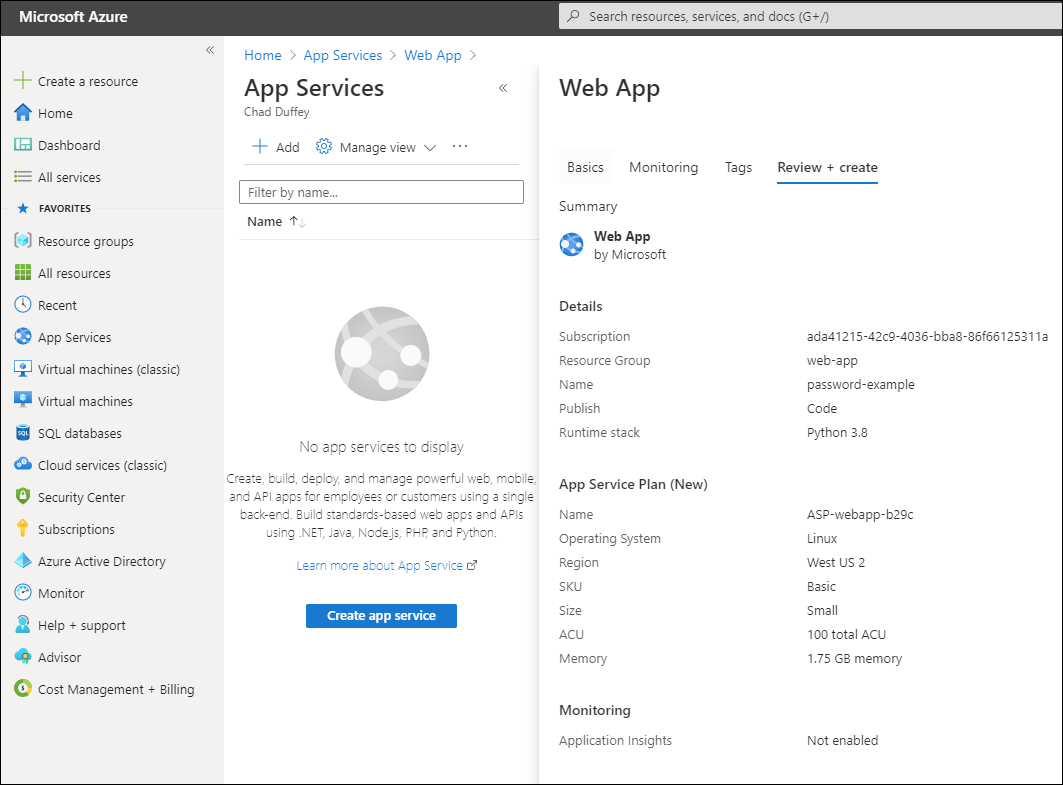
Going to start with something manual. In the Azure portal, I’ll just create a new “App Service” with the defaults, selecting Python as the runtime. The exact Python version in the portal changes over time, so pick a currently supported version for new work.
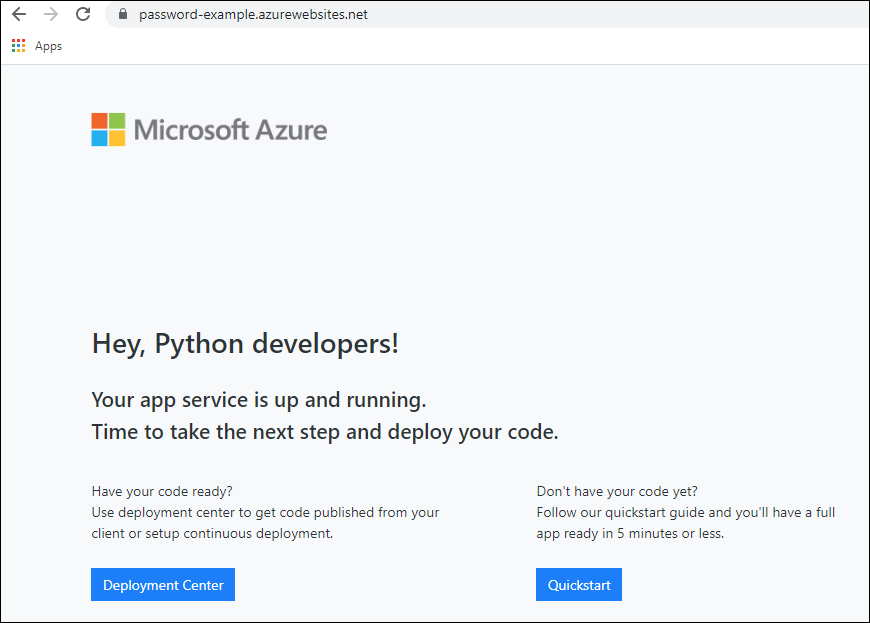
And, we’re up. The service is serving up a default page until we deploy our code.
For this project, we changed the name of the main application file to “application.py” (not necessary, just easier). My flask app object is already “app” - app = Flask(__name__) which is the second requirement for making this simple.
It is also a good time to make sure you have the “Azure App Service” extension installed in Visual Studio Code. With that you’ll be able to browse into the Azure App we’ve already created.
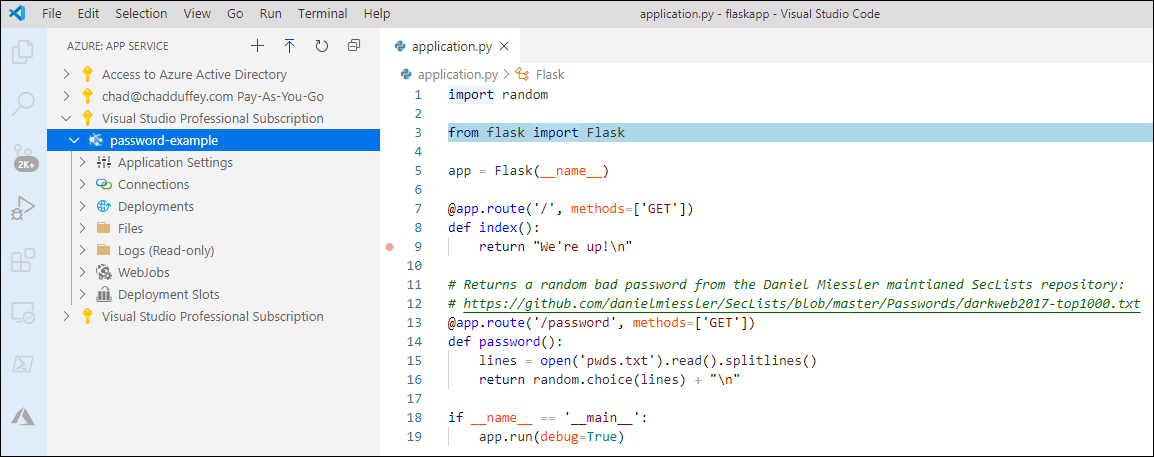
From here, we can just right click on the application we created in Azure and choose “Deploy to Web App”.

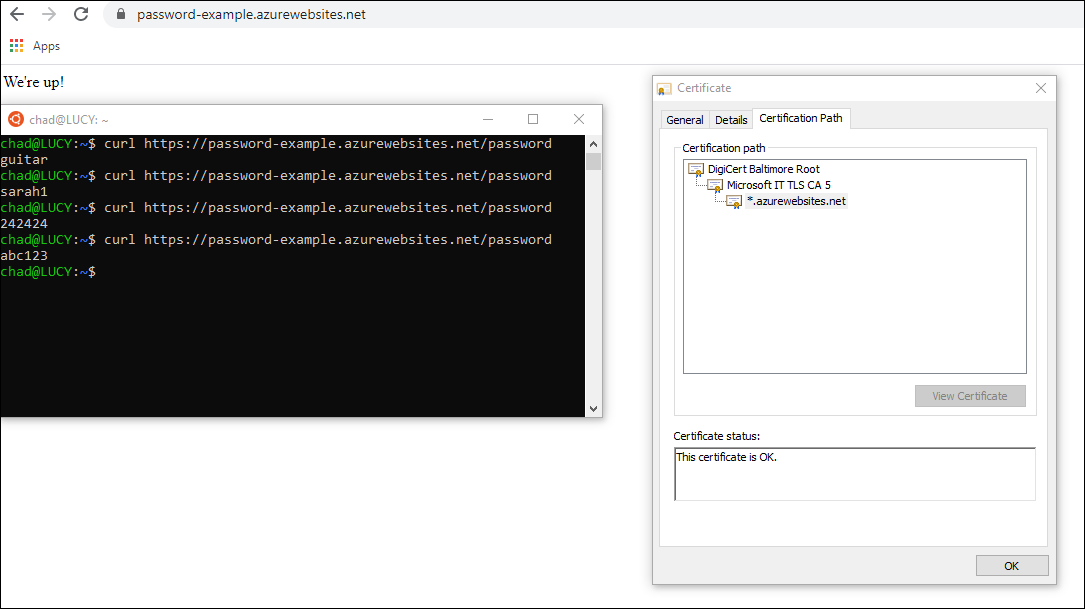
And just like that, we have a web service! We’ll serve up a basic status indicator on the default route and the /password route is ready to serve up bad password choices all day. Azure App Service takes care of TLS for us while we’re deployed with the default hostname.
What would make this respectable?
For a real service, the next iteration should add:
- A deployment pipeline rather than manual VS Code publishing.
- App settings for configuration rather than values embedded in code.
- Managed identity for Azure resource access instead of secrets where possible.
- Logging and Application Insights before the first production test.
- A health endpoint that proves dependencies work, not just that Flask can return a string.
- A deliberate scale choice: App Service Plan, autoscale rules, or a different hosting model such as Azure Container Apps or Azure Functions.
- Network controls if the service should not be public, such as private endpoints or access restrictions.
So, that’s the hand-jam way of getting this done. Next we’ll jot down some notes to automate the deployment.
